

What is HRA? Latest HRA calculation, how to claim HRA exemption for FY 2024-25
ITR Filing
May 26, 2025

Plan Your Retirement with Our Qualified Financial Advisors

Your first financial plan is free
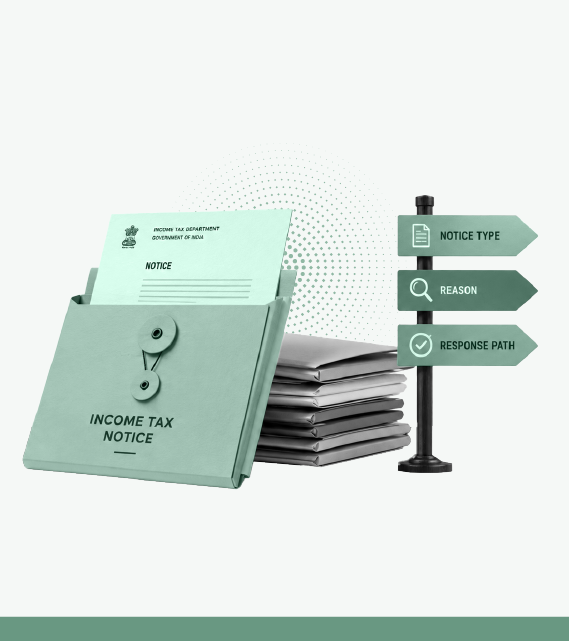
A notice under Section 139(9) means your income tax return contains a defect that must be corrected. It is issued when the return is incomplete, inconsistent, or filed using the wrong ITR form.
The notice states the defect and the time available to correct it, usually 15 days from the date of issue. If you correct the defect within that period, your return remains valid from its original filing date. If you do not respond within the time allowed, the return is treated as invalid.
In this article we explain why you receive a notice under Section 139(9), how to correct the defect on the income tax portal, what happens if you miss the deadline, and when you can disagree with the notice.
A notice under Section 139(9) is issued when the Central Processing Centre finds that your return is incomplete, inconsistent, or contains a defect. The notice identifies the defect and states the time available to correct it.
If you correct the defect within the time allowed, your return remains valid from its original filing date. If you do not respond within the deadline, the return is treated as invalid.
Most Section 139(9) notices arise because the return is incomplete or does not match the department’s records. Common reasons include:
The notice states the deadline for correcting the defect. In most cases, it is 15 days from the date the notice is served. Check the deadline shown in your notice and respond before it expires.
If you need more time, you can request an extension through Pending Actions → e-Proceedings on the income tax portal. State the reason for the request and submit it before the deadline. An extension is granted at the Assessing Officer’s discretion.
If you correct the defect within the time stated in the notice, your return remains valid from its original filing date. Processing continues after the corrected return is accepted.
If you do not correct the defect or obtain an extension within the time allowed, your return is treated as invalid.
That can result in:
A submitted response cannot be withdrawn through the portal.
You can respond to the Section 139(9) notice by filing a corrected return. If the time limit for filing a revised return under Section 139(5) is still available, you may also file a revised return. If a Section 139(9) notice is pending, respond to that notice before filing the revised return.
Once the corrected return is accepted, the return proceeds for processing. If a refund was pending because of the defect, it is processed after the return is accepted and processed under Section 143(1).
If your return has already been treated as invalid, your options depend on the applicable time limits.
What is a defective return notice under Section 139(9)?
A notice under Section 139(9) says your income tax return contains a defect that must be corrected. The notice identifies the defect and specifies the response deadline. If you correct it within that period, your return remains valid from the original filing date.
Is a Section 139(9) notice a penalty?
No. The notice itself does not impose a penalty. If you do not respond within the time allowed, your return may be treated as invalid, which can lead to late-filing consequences.
How do I respond to a Section 139(9) notice?
Log in to the income tax portal, open Pending Actions → e-Proceedings, review the notice, and choose either Agree or Disagree. If you agree, correct the defect, submit the return in response to the notice, and e-verify it before the deadline. If you disagree, submit your explanation with supporting documents.
How long do I have to respond to a Section 139(9) notice?
The response period is generally 15 days from the date of the notice. Check the deadline stated in your notice. You can request more time before the deadline, but approval is at the Assessing Officer’s discretion.
What happens if I do not respond to a Section 139(9) notice?
Your return may be treated as invalid. That can result in a late-filing fee, interest on unpaid tax, loss of the ability to carry forward eligible losses, and delays to any refund.
Can I file a revised return instead of responding to the notice?
You can file a revised return if you are within the permitted time limit. Respond to the Section 139(9) notice first so the pending action on the portal is addressed before filing the revised return.
Sources and references
Published on 03 Aug 2026, 7:18 pm IST

The views in the article /blog are personal and that of the author. The idea is to create awareness and not intended to provide any product recommendations.


Plan Your Retirement with Our Qualified Financial Advisors
Your first financial plan is free